


find your vehicle
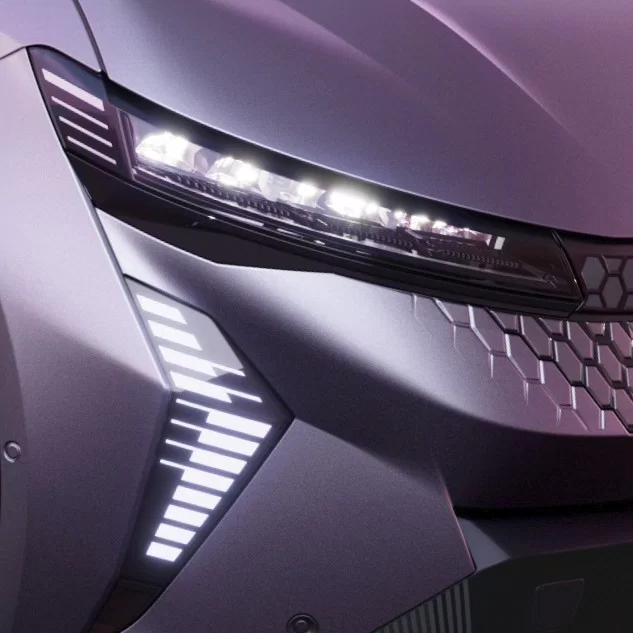
Activate the lights to easily find your Renault
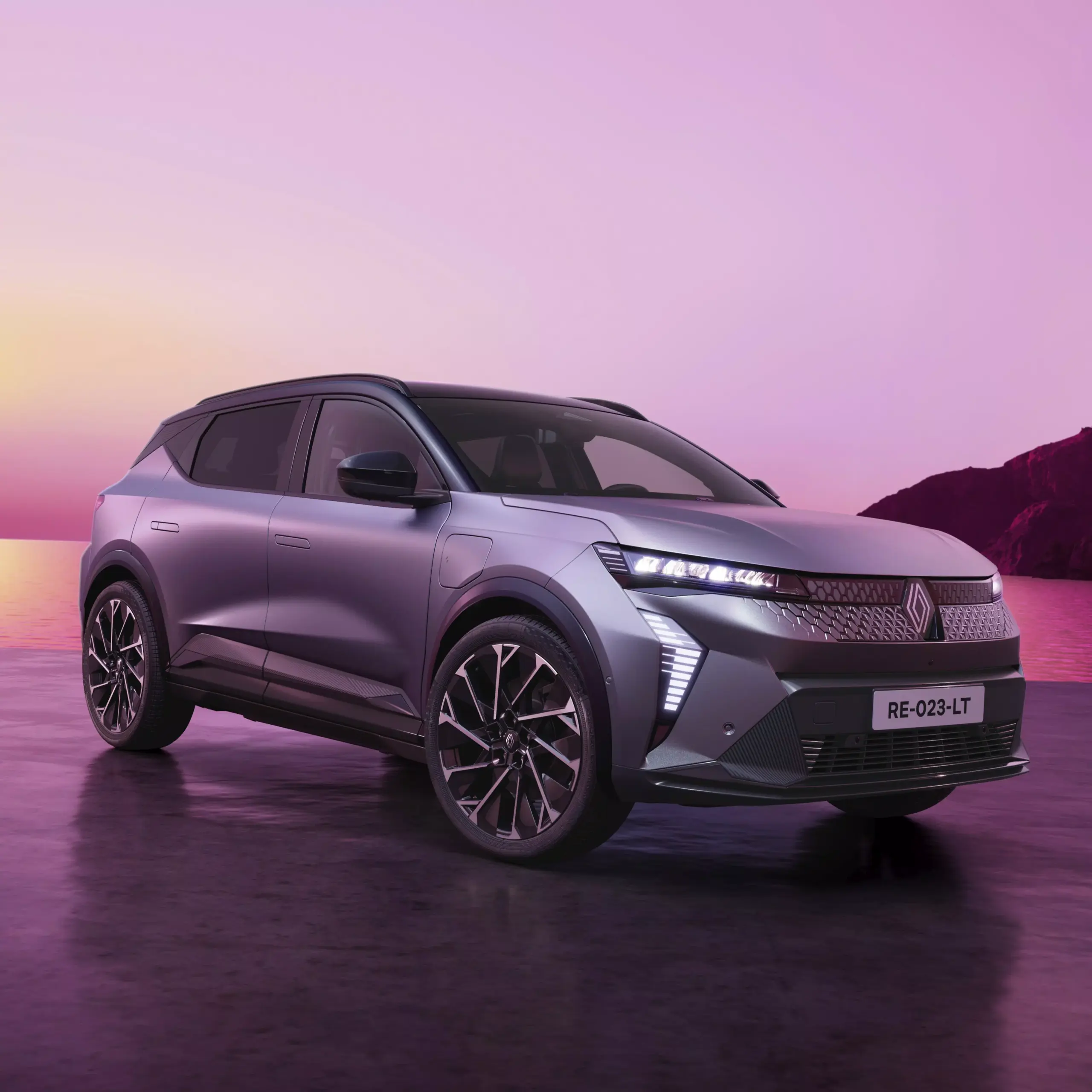
keep track of your battery’s range
Plan your charges and access your charging history
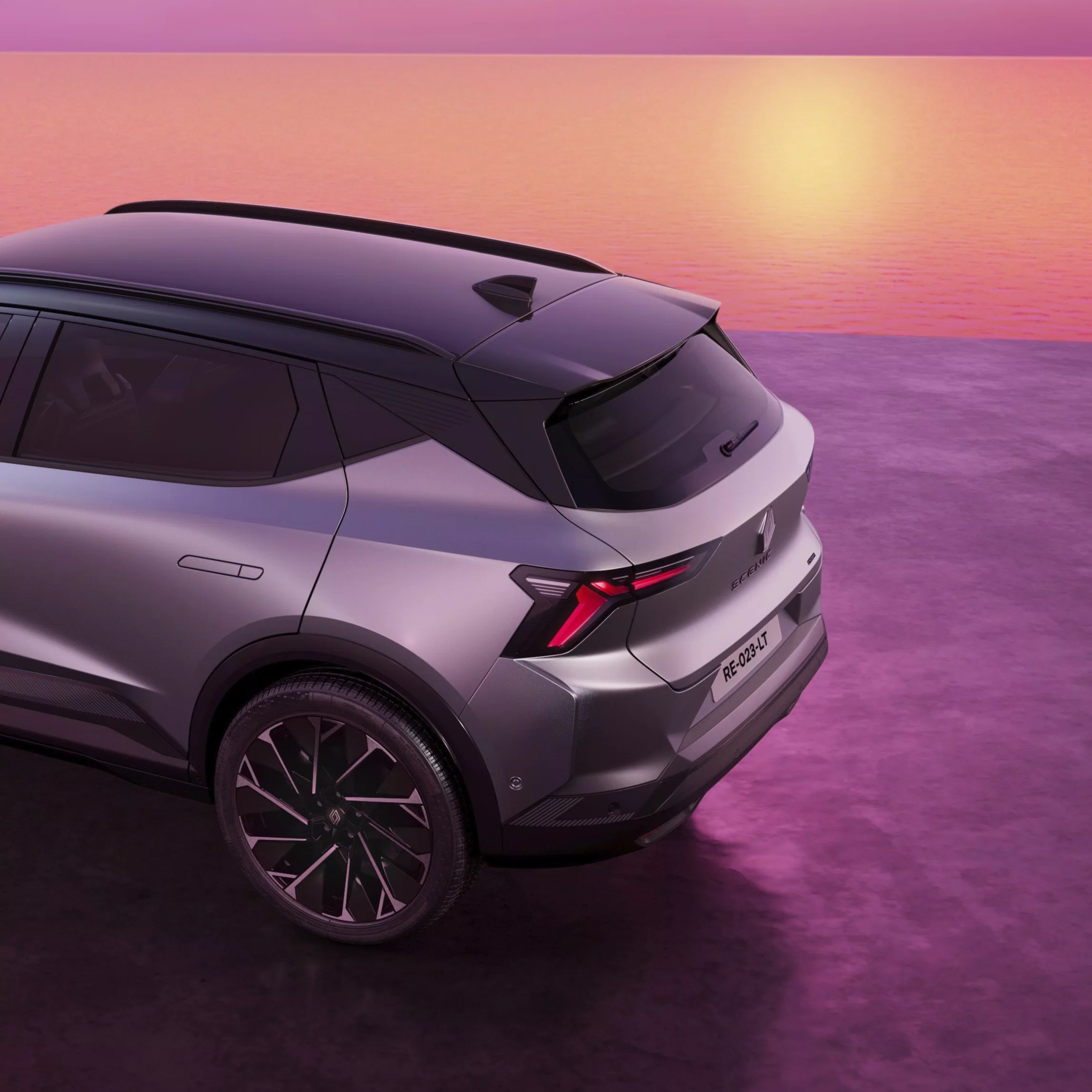
locate your vehicle
Quickly locate your Renault on the map and view nearby points of interest
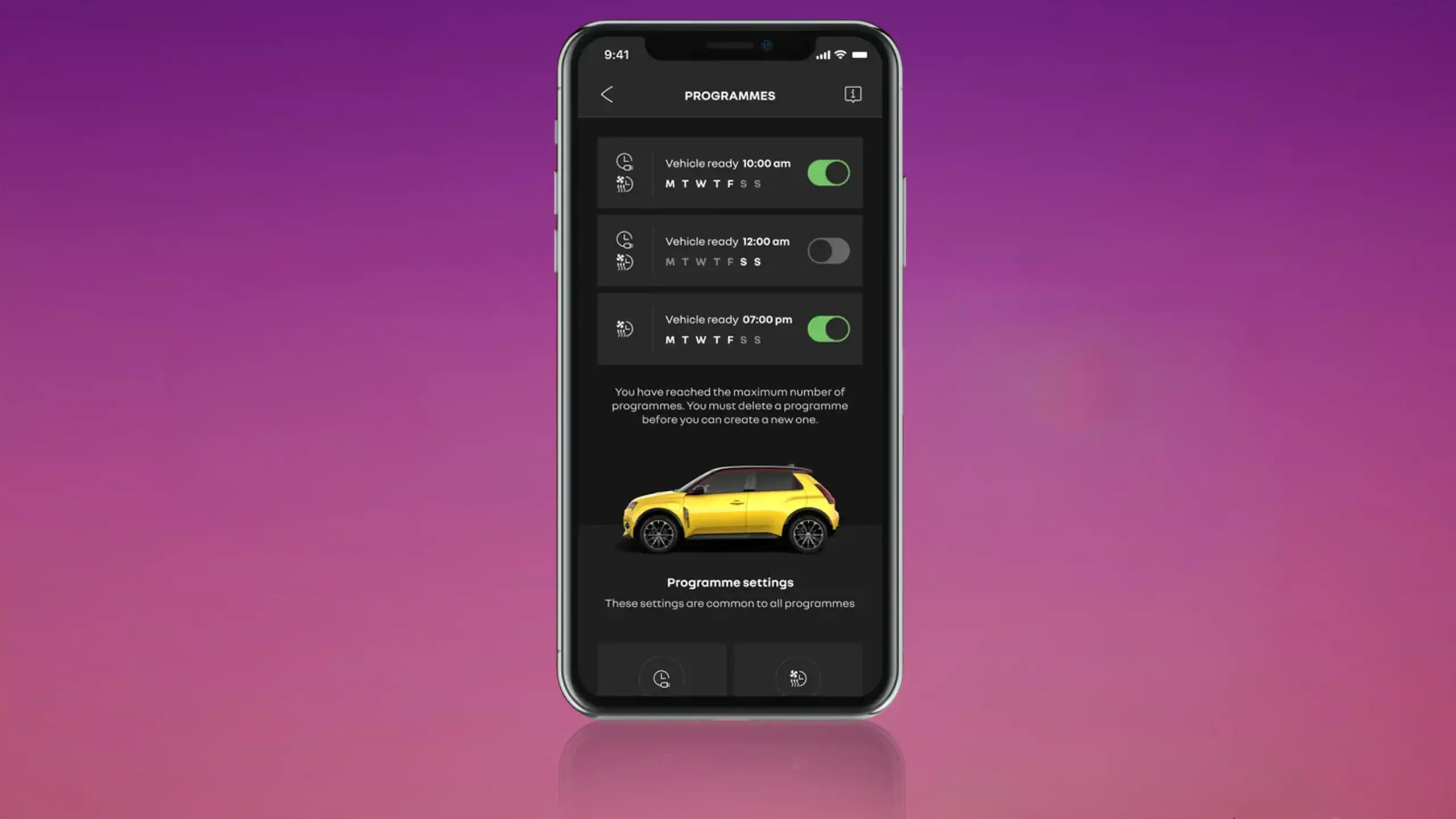
program remote pre-conditioning
and set the temperature in your cabin
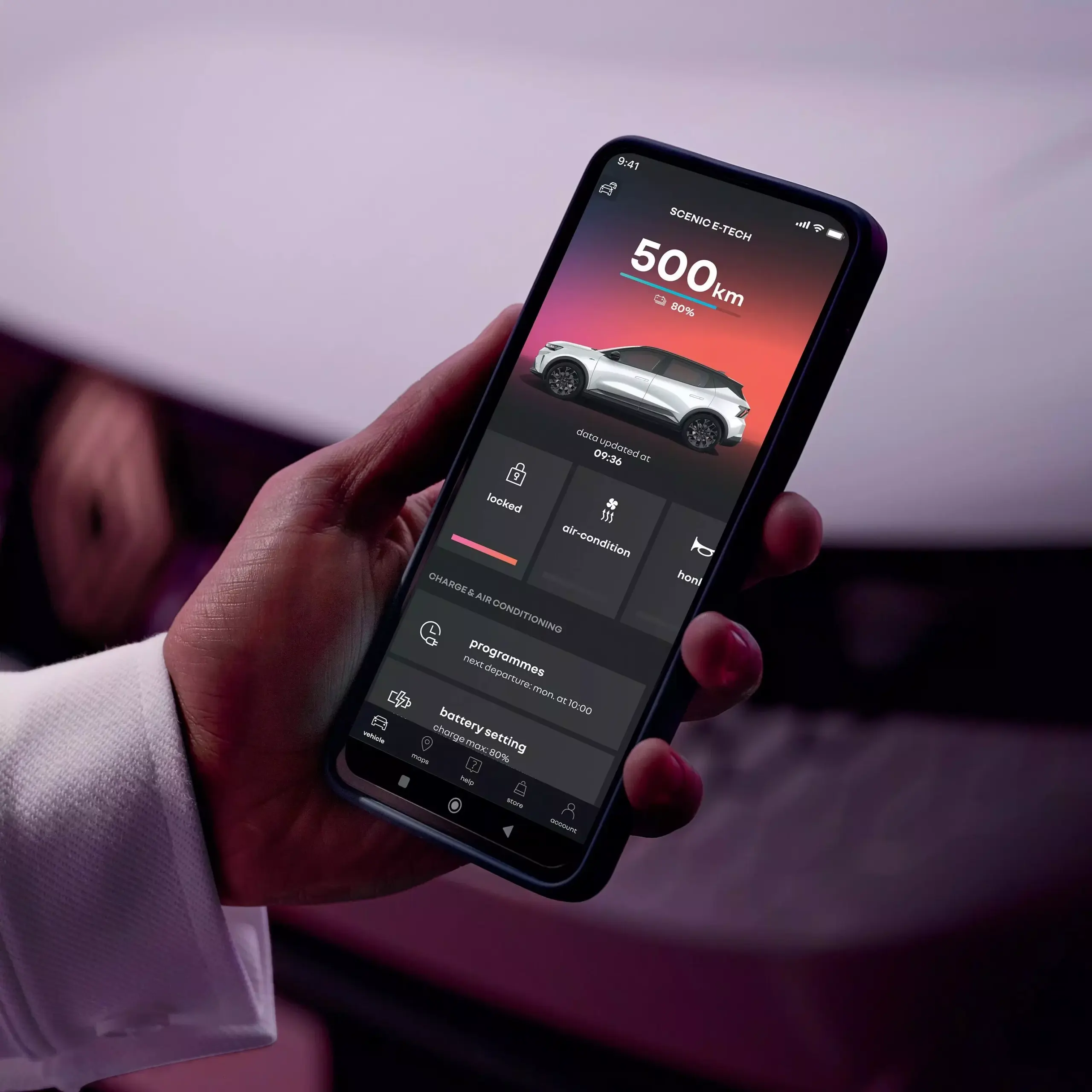
view the information about your Renault
check your vehicle’s mileage and range remotely
start your My Renault experience
Download the My Renault app from the Apple App Store or Google Play.
Create a My Renault account and add your vehicle using its VIN.
Follow the prompts in the app and your vehicle’s multimedia system to complete the connection process.
Once synchronised, you can access the connected services available for your vehicle.
select “connecting the vehicle” prompt on MyRenault app

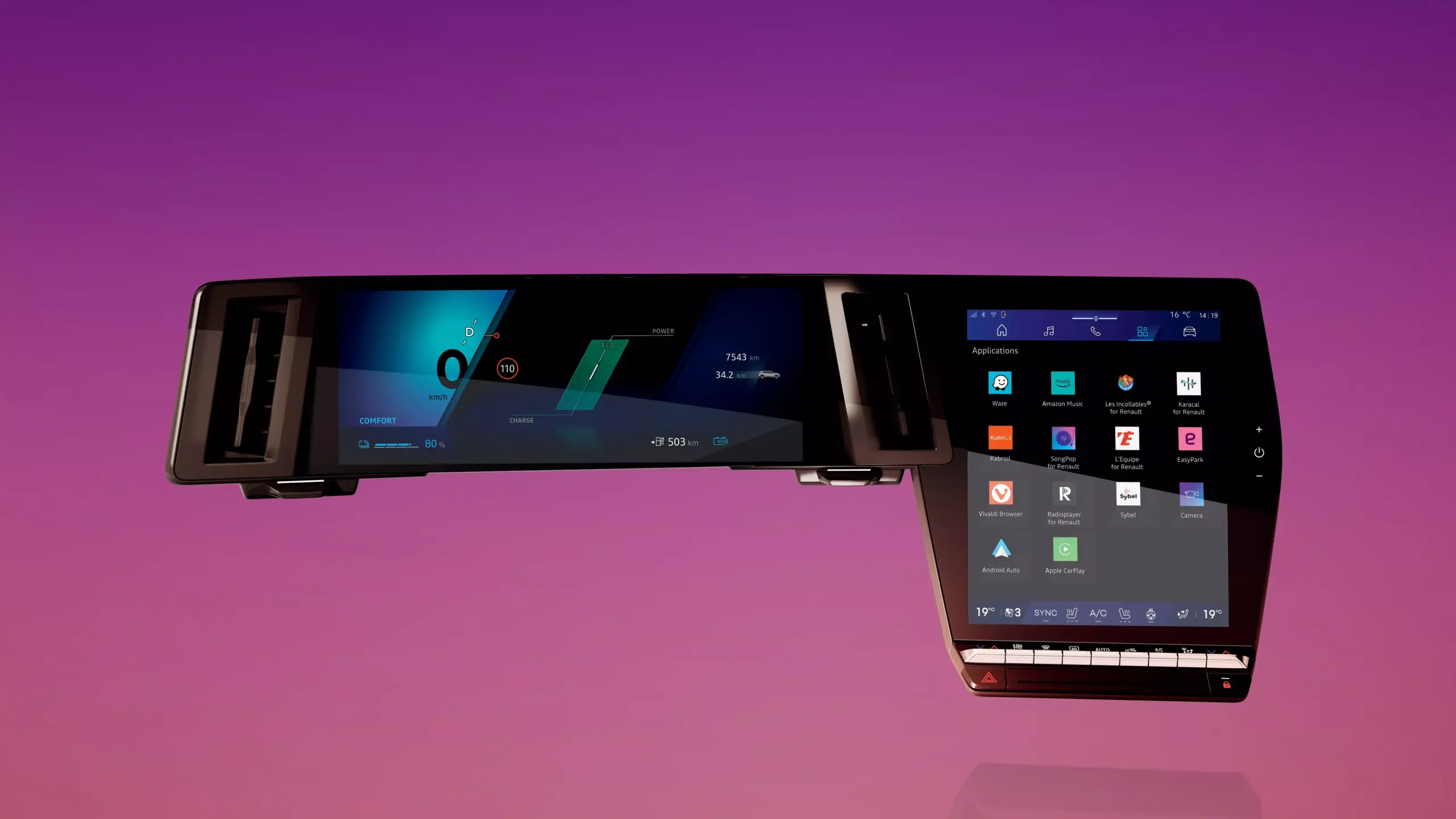
request a code and enter code showing on infotainment screen
synchronization complete
connecting a Renault with openR link
Vehicles equipped with the openR link multimedia system require additional synchronisation steps through the vehicle display.
Follow the prompts in openR link and the My Renault app to connect your vehicle and activate compatible connected services.
A Google account is required for the openR link Driver Profile process. Available connected services vary by vehicle and version.
contact our experts
Do you have any questions or want to receive assistance regarding your Renault vehicle? Get help at any time.

Renault customer support
Do you have a question? Our Customer Care team are here for you on 1800 009 008

Renault assistance
Have you had a breakdown? Contact Renault Roadside Assistance 24/7 on 1800 009 008.

My Renault app functions
| Function | Koleos | Duster 4×2 | Duster 4×4 Mild Hybrid | Arkana | Arkana Hybrid | Kangoo | Kangoo E‑Tech | Trafic Master | New Master | Megane E‑Tech | Scenic E‑Tech | New Master E‑Tech | Symbioz |
|---|---|---|---|---|---|---|---|---|---|---|---|---|---|
| Vehicle details | ✓ | ✓ | ✓ | ✓ | ✓ | ✓ | ✓ | ✓ | ✓ | ✓ | ✓ | ✓ | ✓ |
| Mileage | ✓ | ✓ | ✓ | ||||||||||
| Vehicle location on map | ✓ | ✓ | ✓ | ||||||||||
| Activate lights / horn | ✓ | ✓ | ✓ | ||||||||||
| Remote cabin pre-conditioning | ✓ | ✓ | ✓ | ||||||||||
| Battery level & electric range | ✓ | ✓ | ✓ | ||||||||||
| Charging status & charge history | ✓ | ✓ | ✓ | ||||||||||
| Remote charging (start / schedule) | ✓ | ✓ | ✓ | ||||||||||
| Reachable area (EV radius map) | ✓ | ✓ | ✓ | ||||||||||
| V2L / Power to Object status | ✓ | ✓ | ✓ | ||||||||||
| Firmware Over The Air (FOTA) technology | ✓ | ✓ | ✓ | ✓ |
*Availability of the features presented depends on the model of the vehicle, its type of connectivity, your subscription to a connected services contract and the date of first registration.
To use Connected Services you need a smartphone with compatible iOS or Android operating system. Connecting a smartphone to use the services should only be done when the car is parked safely. Services may be subject to mobile network coverage and additional charges. Users should follow road safety regulations when using the system and always be in control of the vehicle.
My Renault connected services, Google Automotive Services (GAS), Google Maps and Google Assistant connected services are provided free of charge for 5 years from the date of delivery of your vehicle. Google, Android Auto, Google Maps, Google News, Waze and other brand names are all trademarks of Google LLC. To use My Renault connected services, you will need a compatible smartphone, a Google account for some apps, and an internet connection (which may incur data charges). Services may be affected by mobile network coverage.